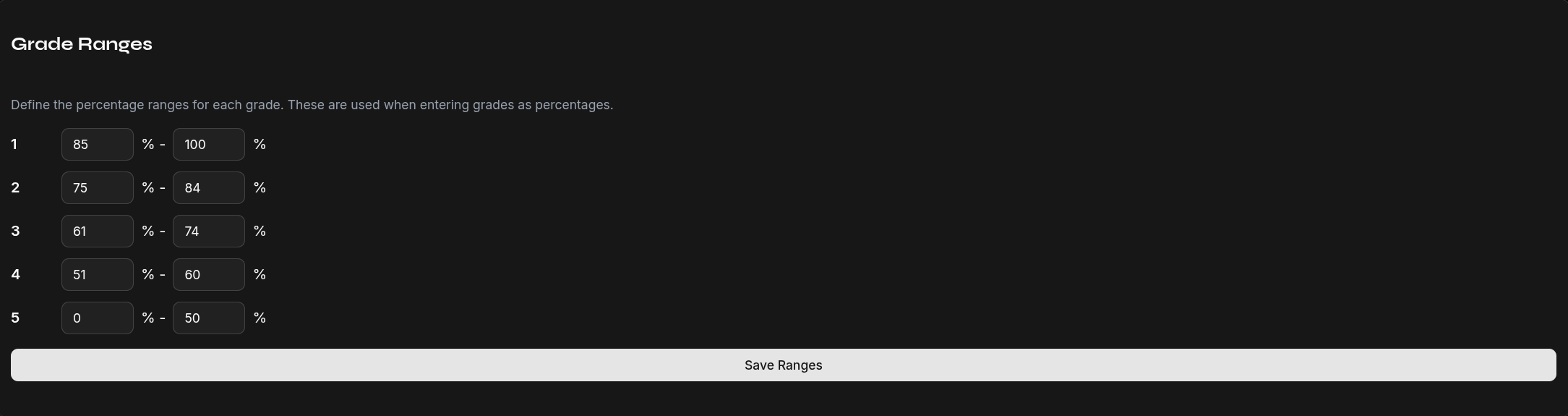
Grade Ranges
Grade ranges define which percentage corresponds to which grade. They are used for:
- Converting percentage inputs to grades
- Calculating the final grade from the weighted average
Default Ranges
| Grade | Description | Percentage Range |
|---|---|---|
| 1 | Very Good | 85–100% |
| 2 | Good | 70–84% |
| 3 | Satisfactory | 55–69% |
| 4 | Sufficient | 40–54% |
| 5 | Insufficient | 0–39% |
Customize Grade Ranges
- Open Settings → Grade Ranges
- Adjust the percentage thresholds for each grade
- Changes are saved immediately
Note
Grade ranges apply uniformly across all classes and subjects. Adjust them to match your grading system.