Create a Class
Classes are the top-level organizational unit in EduGrade. Each class contains school years, subjects, and students.
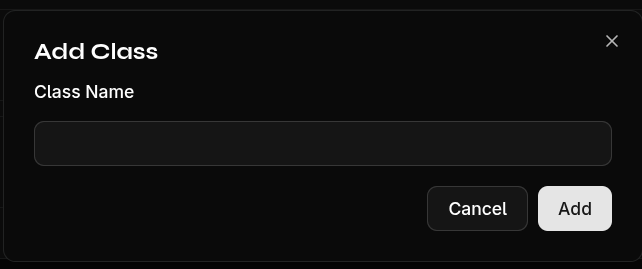
Create a New Class
- Click the + icon in the sidebar
- Enter the class name (e.g., "3A", "2B English")
- Confirm with Create
What Happens Automatically?
When creating a new class, the following are automatically set up:
- A school year (e.g., "2025/2026" based on the current date)
- All default subjects from your profile (if configured)
The new class appears immediately in the sidebar and is automatically selected.
Class Names
- Maximum 50 characters
- Choose a unique, recognizable name
- Examples: "1A", "3B Math", "Class 4C"
tip
Configure your default subjects first, so new classes are automatically created with the right subjects.