Login
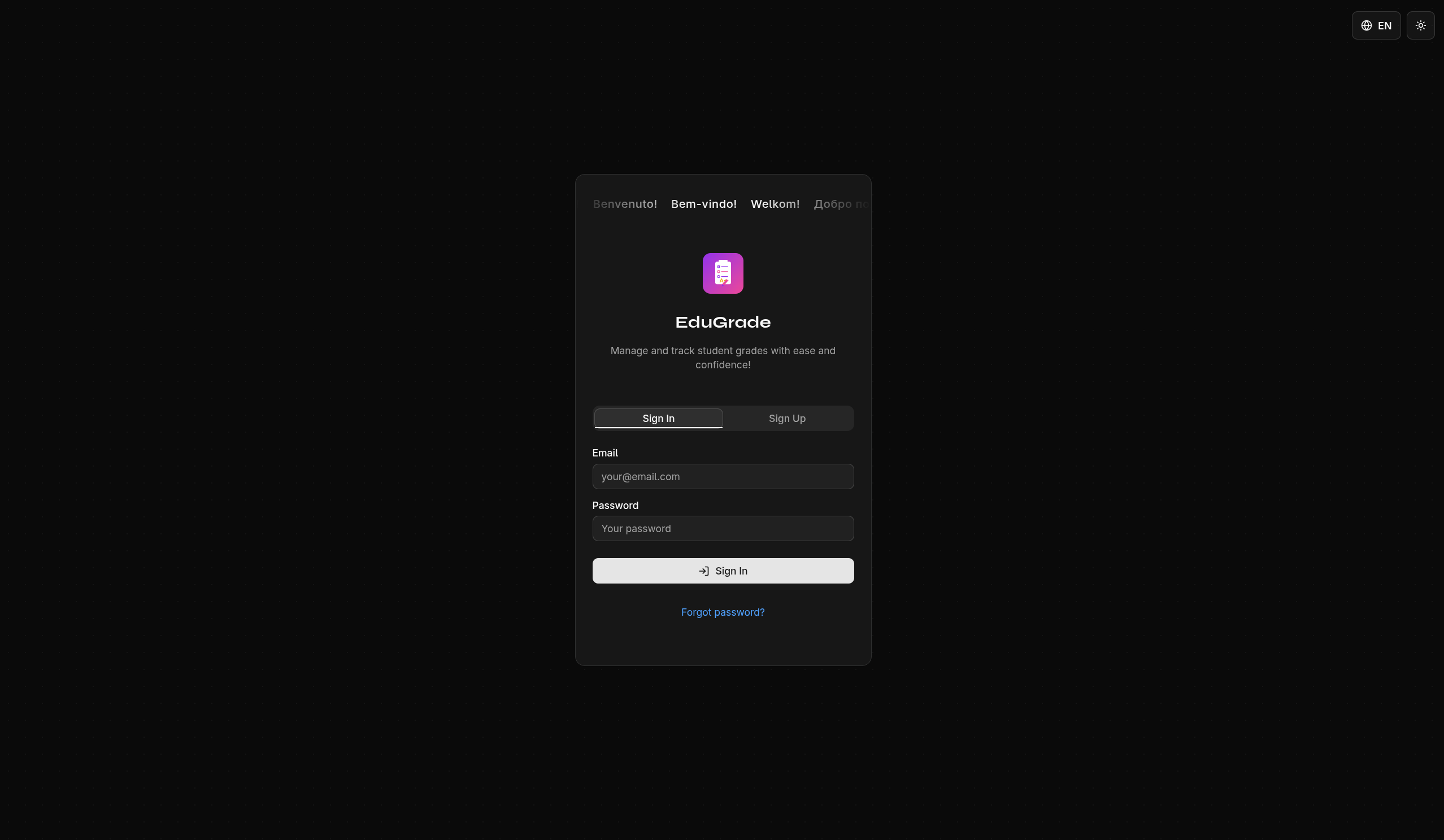
Signing In
- Open the EduGrade website
- Enter your email address and password
- Click Sign In
Forgot Your Password?
If you forgot your password, you need your recovery key:
- Click Forgot Password? on the login page
- Enter your email address
- Enter your recovery key
- Set a new password
warning
Without your recovery key, your password cannot be reset because your data is encrypted. In that case, all data must be deleted. Keep your key safe!
Learn more about the recovery key under Recovery Key.