Recovery Key
The recovery key is your safety net in case you forget your password.
Why Is the Key So Important?
Your data in EduGrade is stored encrypted. Your password serves as the key for this encryption. The recovery key is the only alternative to regain access to your encrypted data if you lose your password.
No Key, No Access
If you lose both your password and your recovery key, your data is permanently lost. There is no other way to recover it.
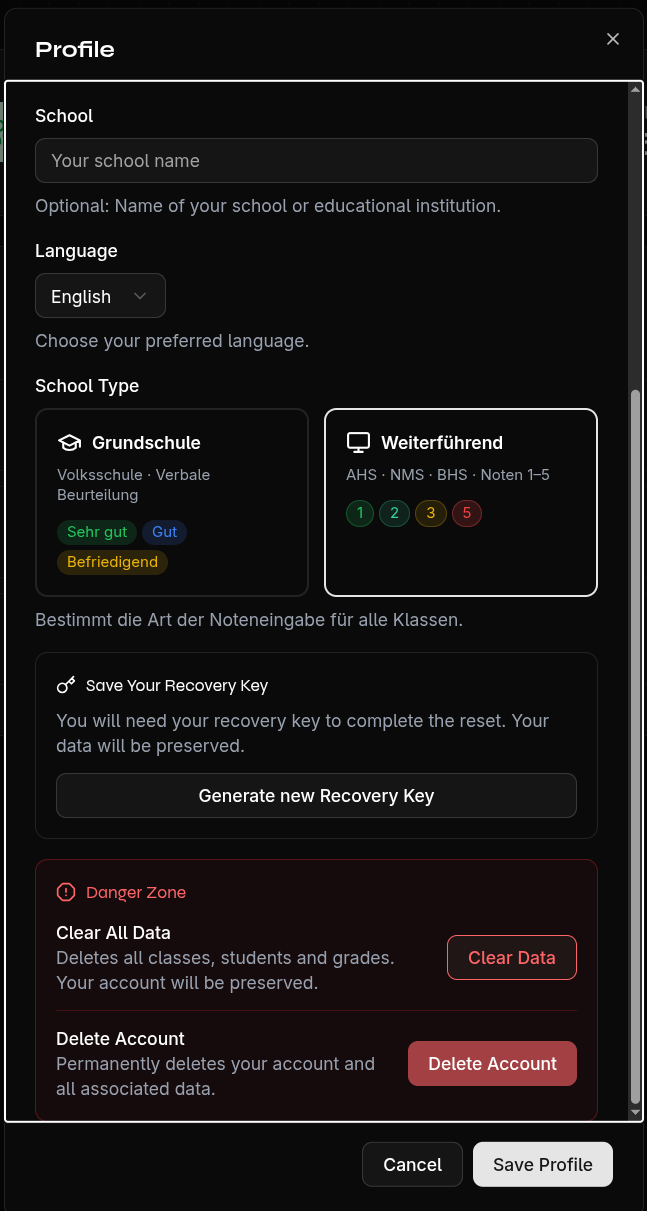
Generate a New Key
If you've misplaced your key but are still logged in:
- Open Settings
- Go to the Profile section
- Click Generate New Recovery Key
- Save the new key immediately
Note
The old key becomes invalid. Only the new key works for password recovery.
Send Key via Email
You can have the recovery key sent to your email address as a PDF. This option is available both during registration and in Settings.
Recommended Storage
- Print the key and keep it in a safe place
- Store it in a password manager
- Take a photo and save it securely