Export Data
Back up all your data as a JSON file — for backup purposes or transferring to another device.
Perform Export
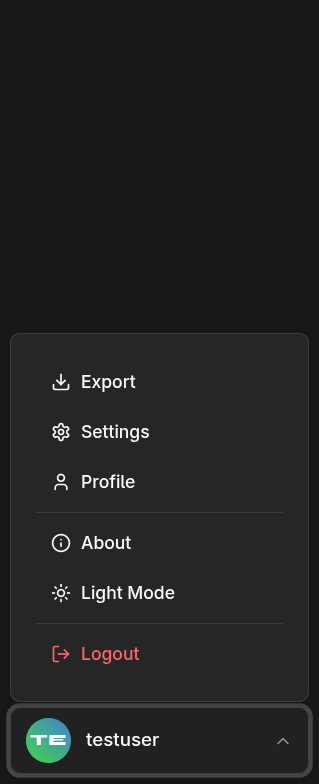
- Open Settings → Data
- Click Export Data
- The file downloads automatically
The filename includes the current date: edugrade_2026-03-20.json
What Gets Exported?
The export file contains all your data:
- All classes with school years
- All subjects
- All students
- All grades
- All attendance records
- Categories and settings
Recommendation
Create regular backups, e.g., at the end of each week. This way, you lose at most a few days of data in the worst case.