Interactive Tutorial
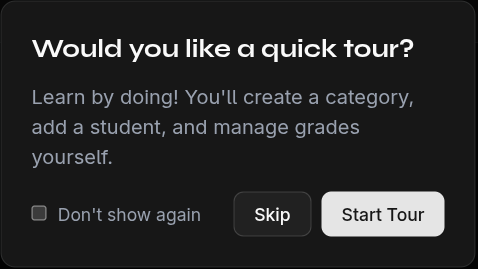
On your first login, an interactive tutorial guides you step by step through the key features of EduGrade.
What Does the Tutorial Cover?
The tutorial walks you through:
- Welcome — Brief introduction to EduGrade
- Open Grade Settings — Where to configure categories and weights
- Create First Category — e.g., "Exam" with weighting
- Understand Grade Ranges — How percentages convert to grades
- Add First Student — Enroll a student in your class
- Enter First Grade — Record a grade for the student
- View Results in Table — Understand the grade overview
- Open Student Detail View — Detailed statistics for a student
- Edit a Grade — How to modify grades after the fact
- School Years & Subjects — How to switch between years and subjects
- Completion — Summary and tips
Using the Tutorial
- Click Next to proceed to the next step
- Some steps wait for you to perform an action (e.g., create a category)
- You can end the tutorial at any time with Skip
Restart the Tutorial
Want to go through the tutorial again? You'll find the option in Settings.
tip
The tutorial is the fastest way to learn all the important features. Take 5 minutes for it!