Add a Student
Students are managed per school year. When you switch the school year, you see different students.
Add an Individual Student
- Open the desired class and the correct school year
- Click Add Student
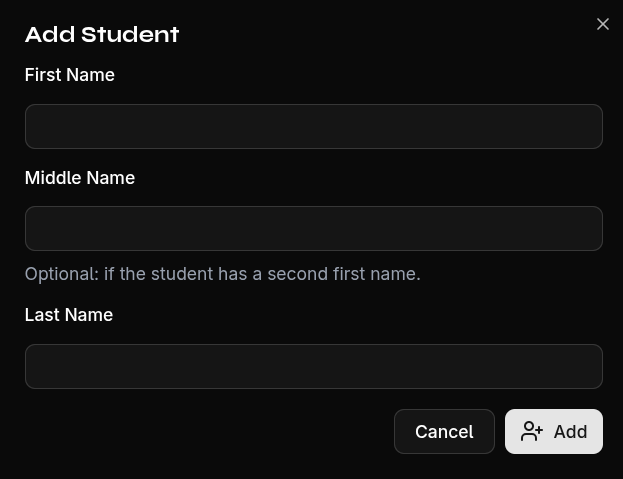
- Fill in the form:
- First Name — Required (max. 50 characters)
- Last Name — Required (max. 50 characters)
- Middle Name — Optional (max. 50 characters)
- Confirm with Add
Duplicate Detection
EduGrade automatically checks whether a student with the same name already exists in the current school year. If so, you will be notified.
tip
For many students at once, use the CSV import — it saves a lot of time!