Edit a Student
Rename a Student
- Click the Edit button next to the student's name in the class view
- Change the first name, last name, or middle name
- Confirm with Save
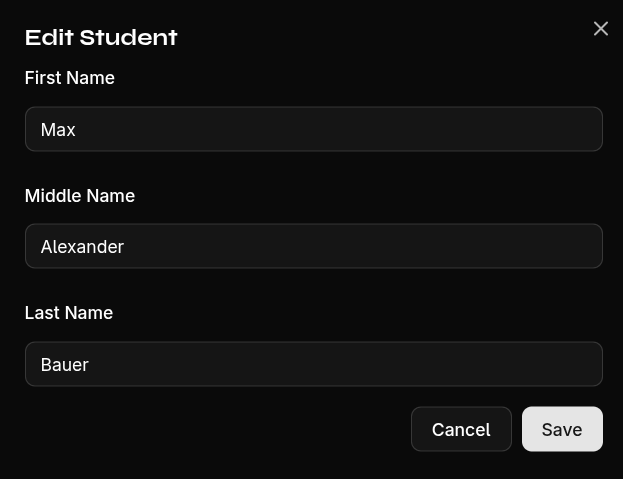
The change takes effect immediately across all views — the student's grades are preserved.