Share Grades with Students
EduGrade allows you to give students secure, time-limited access to their own grades.
Create an Access Link
- Open the desired class
- Click Share Grades
- Configure the access:
Select Subjects
Choose which subjects students are allowed to see. You don't have to share all subjects.
Configure Visibility
Define what information students can see:
| Option | Description |
|---|---|
| Individual grades | Show all individual assessments |
| Average | Show the calculated average |
| Final grade | Show the final grade |
| Category breakdown | Show the breakdown by category |
| Progression chart | Show grade development over time |
Validity Period
Choose how long the access link should be valid:
- 1 day
- 3 days
- 1 week
- 1 month
- 3 months
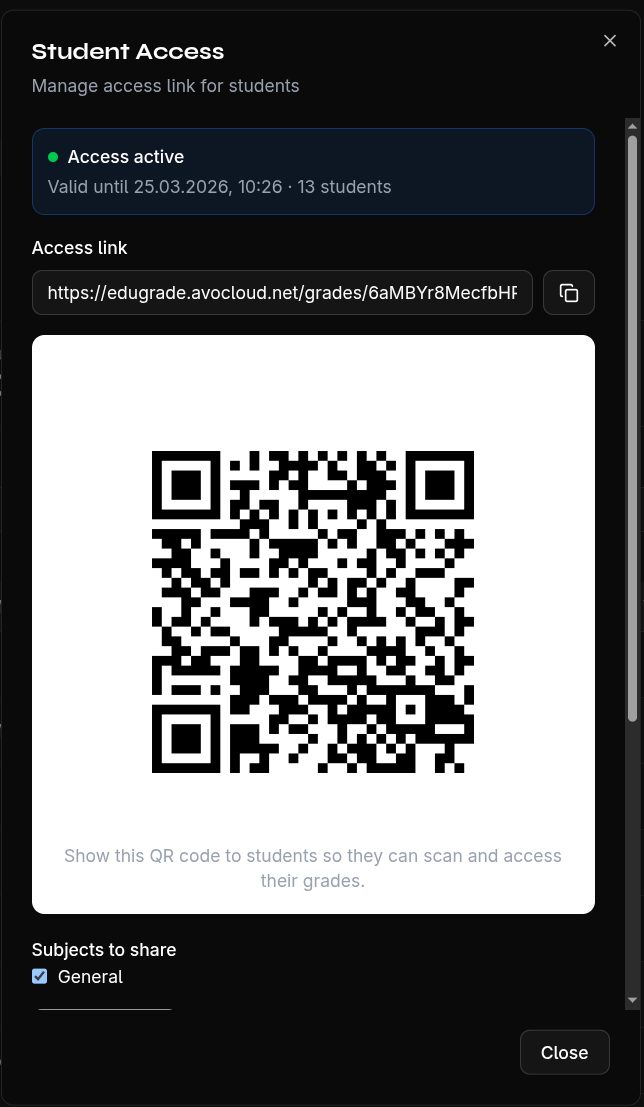
After creation, you receive the link and the PINs for each student.
Note
Students can only see their own grades — not those of their classmates. Access is protected by individual PINs.