QR Code
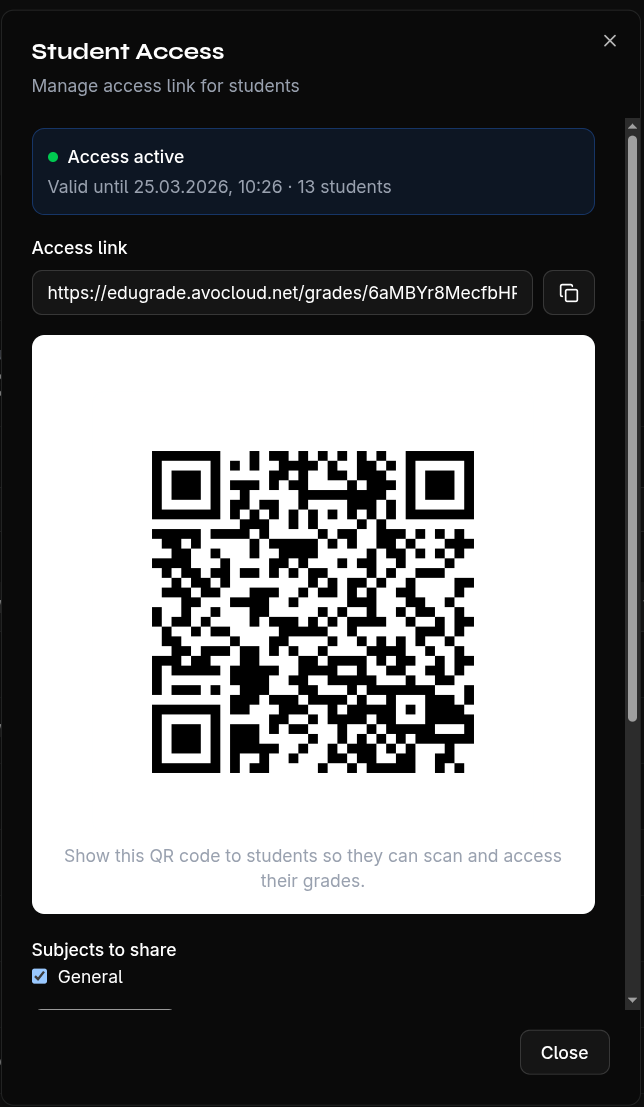
For quick access, you can generate a QR code that students scan with their smartphones.
Display QR Code
- Create an access link
- Click Show QR Code
- The QR code contains the URL to the grade access page
Usage
- In the classroom — Display the QR code on the projector for all students to scan
- Print it — Print the QR code on a worksheet
- Share digitally — Send the QR code via a learning platform
Students still need their individual PIN after scanning to view their grades.