Import Students
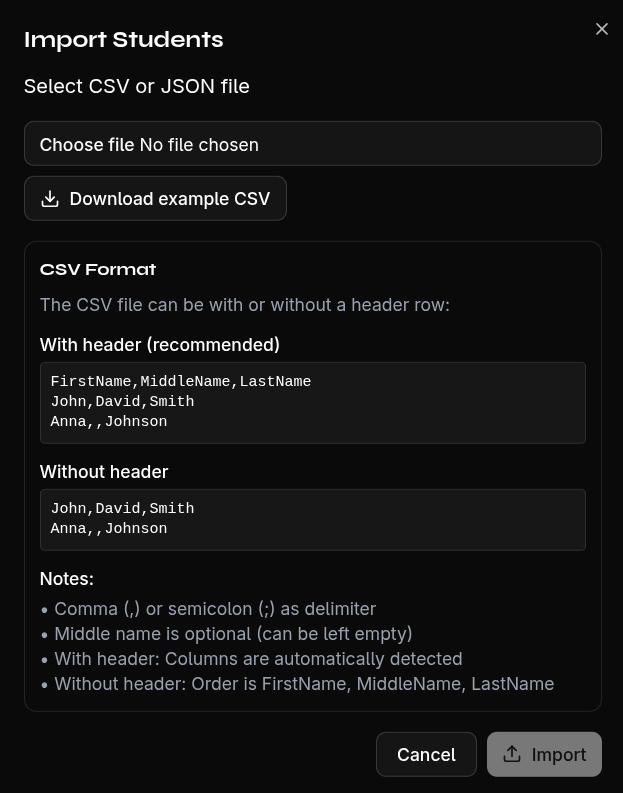
You can import multiple students at once using a CSV file.
Download CSV Template
- Click Import Students
- Select Download CSV Template
The template contains the correct column structure with sample data.
Prepare Your CSV File
Your CSV file should contain the following columns:
FirstName;LastName;MiddleName
John;Smith;
Jane;Doe;Marie
Supported Formats
- Delimiter: Comma (
,) or semicolon (;) — auto-detected - Header row: Auto-detected and mapped
- Maximum file size: 5 MB
Perform the Import
- Click Import Students
- Select your CSV file
- Review the preview — you'll see all detected students
- Duplicates are marked and can be skipped
- Click Import
Note
Students that already exist (same first and last name) are automatically detected and flagged with a warning. These are skipped during import.