Delete a Class
How To
- Open the class context menu in the sidebar
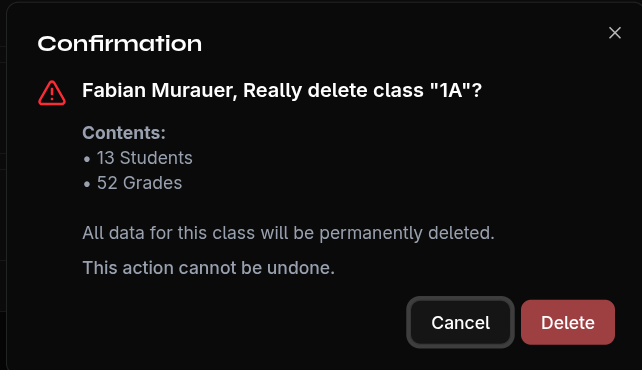
- Select Delete
- Confirm the security prompt
What Gets Deleted?
Deleting a class permanently removes all associated data:
- All school years of the class
- All subjects in all school years
- All students in all school years
- All grades of all students
- All attendance records
Warning
Deleting a class cannot be undone. Create a backup first if you might still need the data.