Edit a Class
Rename a Class
- Click the Edit button next to the class name in the sidebar
- Or open the class context menu
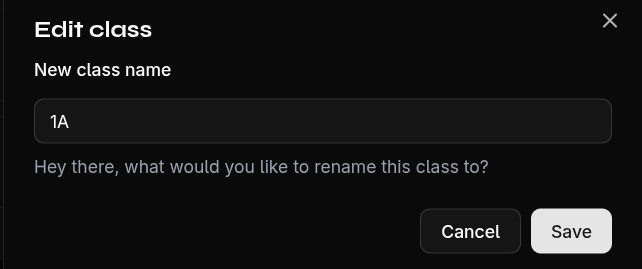
- Change the name in the dialog
- Confirm with Save
The edit dialog also shows an overview of the class:
- Number of students
- Number of grades
This gives you a quick snapshot of how much data is linked to this class.