Edit & Delete Grades
Edit a Grade
- Click on the grade in the grade table or in the student detail view
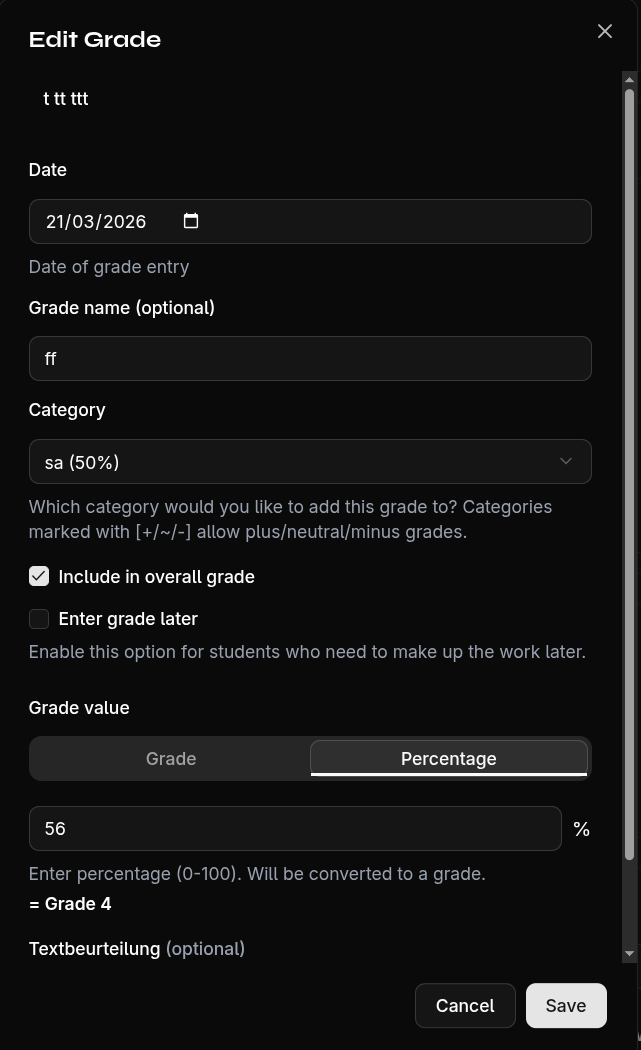
- Modify the desired fields:
- Grade value
- Category
- Date
- Label
- Pending status
- Include in average
- Confirm with Save
Exclude a Grade from Average
You can exclude individual grades from the average without deleting them. This is useful for:
- Practice grades that shouldn't count
- Conditional assessments
- Trial work
Simply deactivate the Include in Average toggle in the edit dialog.
Delete a Grade
- Open the grade's edit dialog
- Click Delete
- Confirm the security prompt
Warning
Deleting a grade cannot be undone.