Attendance Statistics
EduGrade automatically calculates attendance rates and displays them clearly.
Calendar View
In the attendance view, you'll see a calendar with color-coded days:
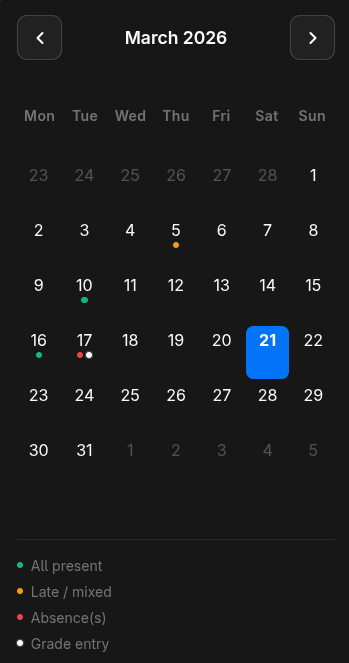
The colors show the overall status of each day at a glance.
Per-Student Statistics
For each student, the attendance rate is calculated:
Attendance Rate = Present / (Present + Late + Absent) × 100%
Color Indicators
| Color | Meaning |
|---|---|
| Green | Above minimum + warning threshold — all good |
| Yellow | Between minimum and warning threshold — caution! |
| Red | Below minimum attendance — critical |
The thresholds are configured in the attendance settings.
Per-Subject Statistics
Switch between subjects to view attendance rates per subject. This helps you quickly identify which subjects a student frequently misses.